เครื่องตัดด้วยเลเซอร์

เครื่องตัดด้วยเลเซอร์คืออะไร?

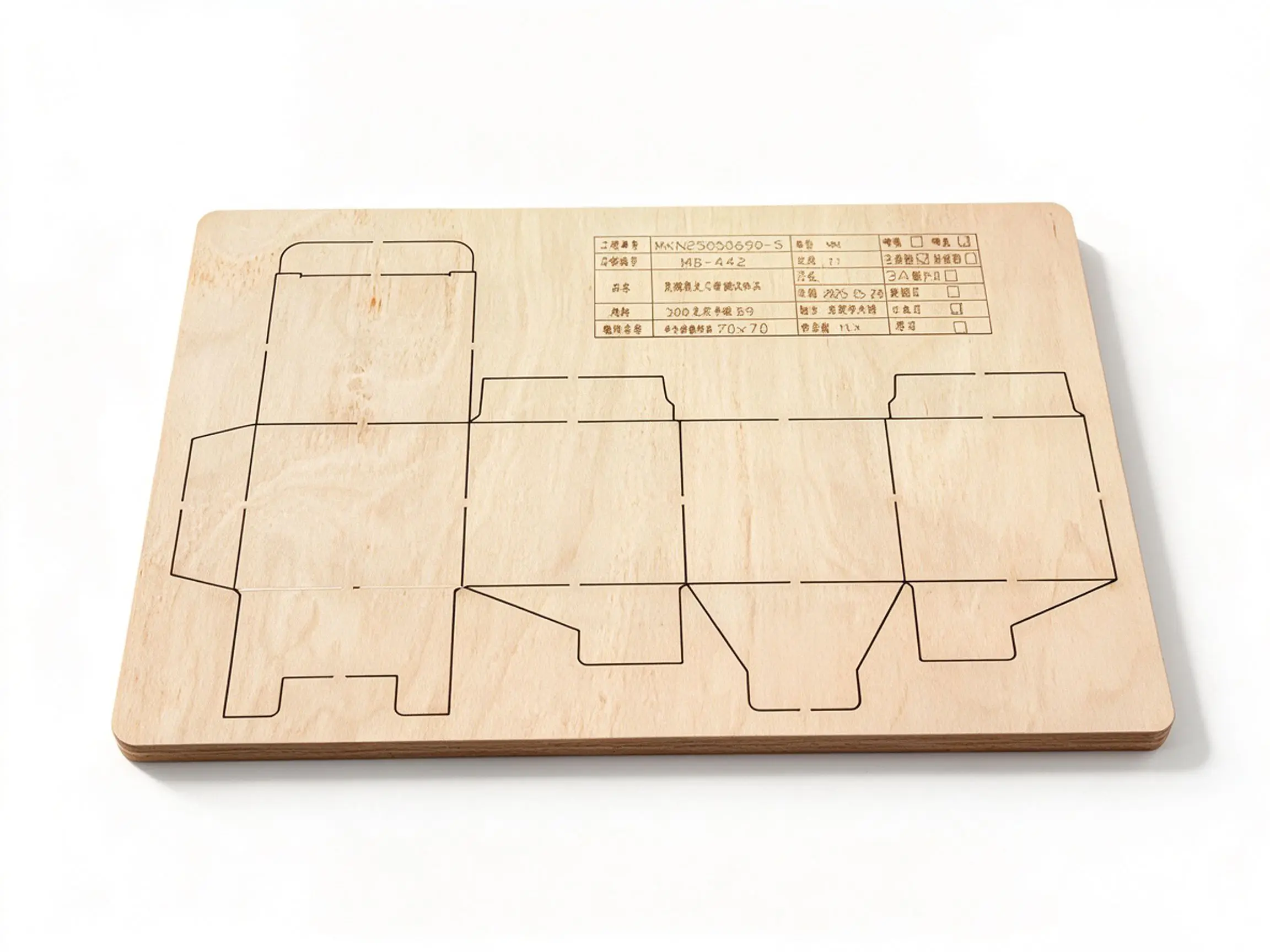
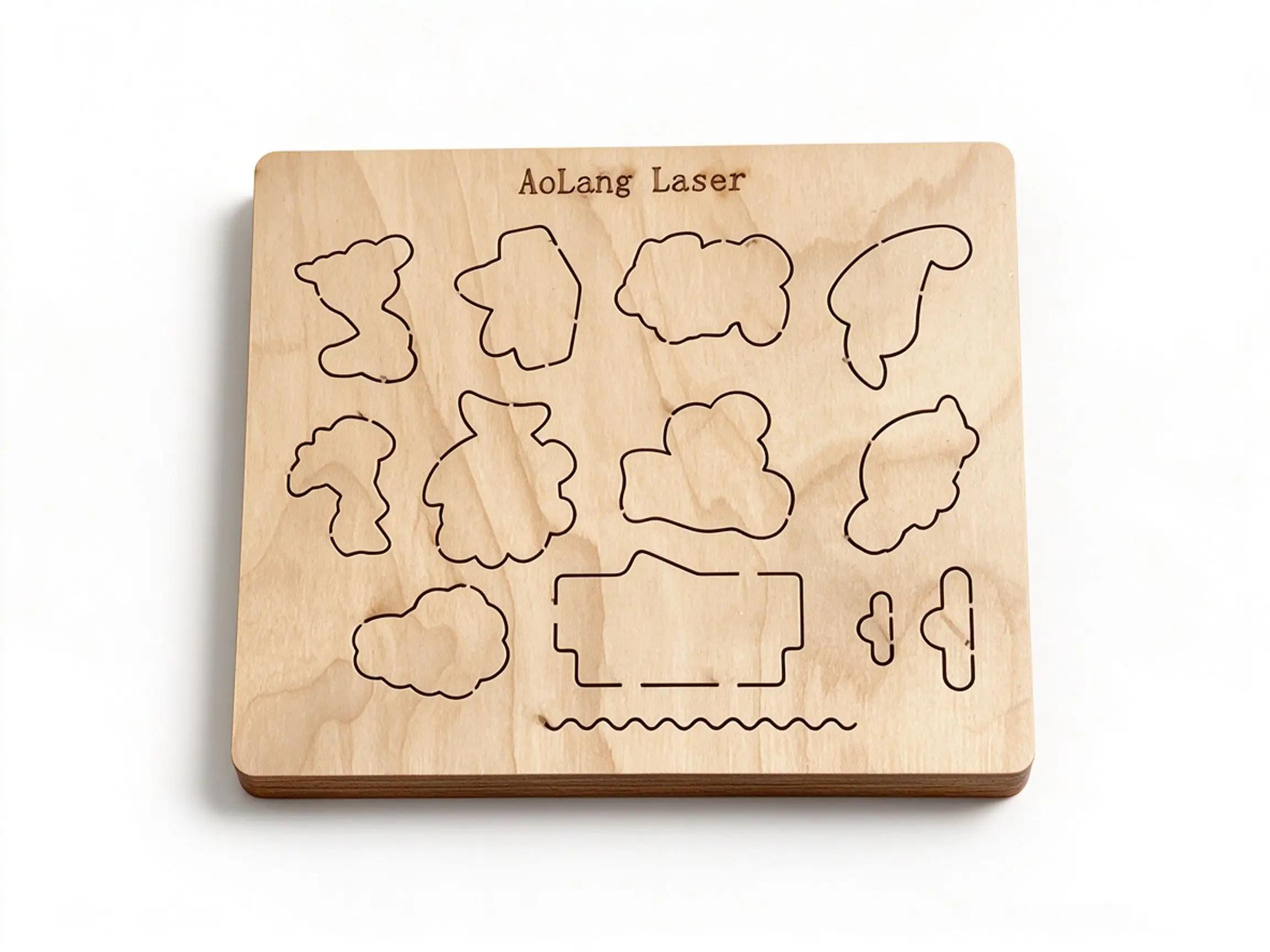
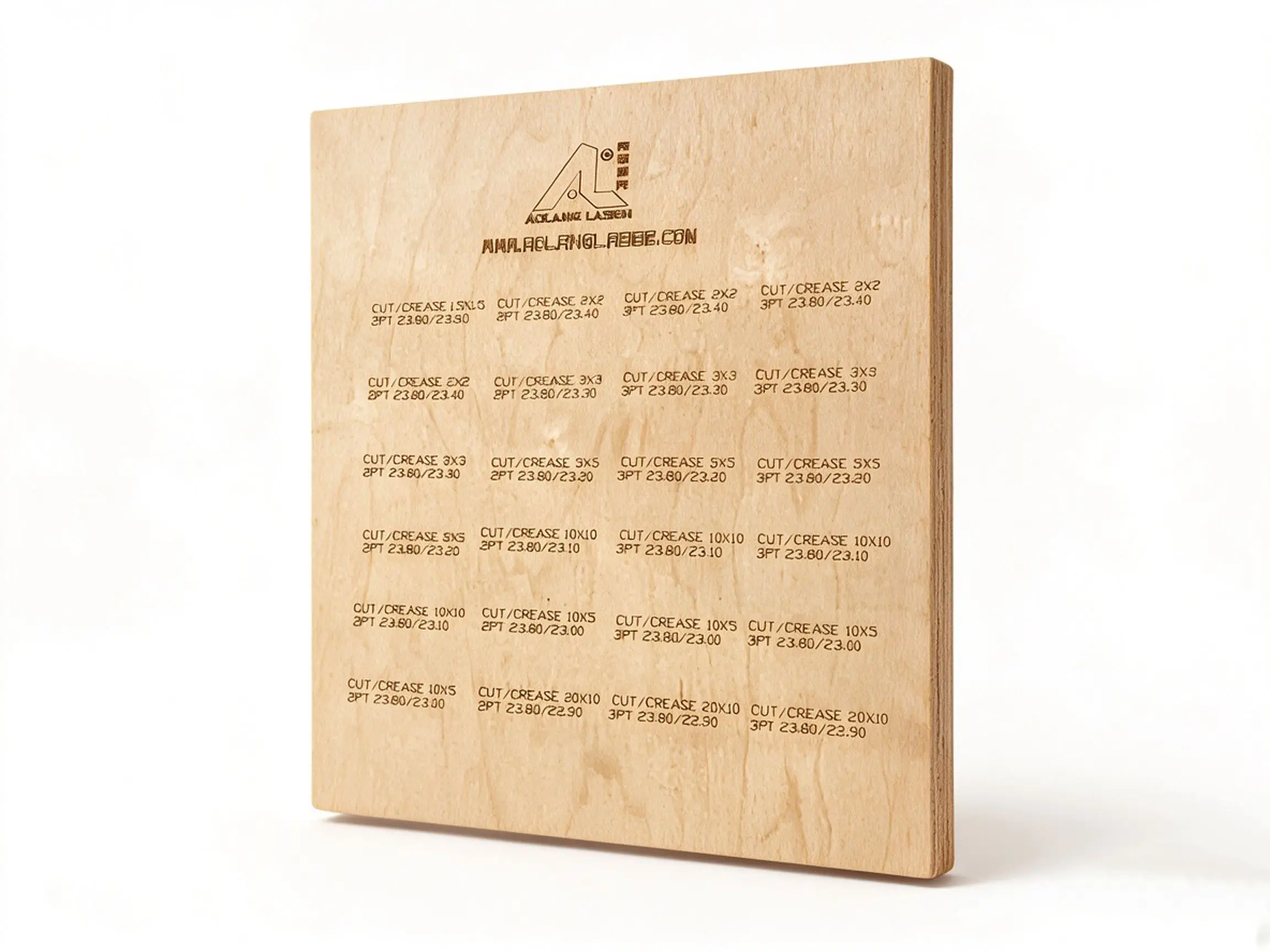
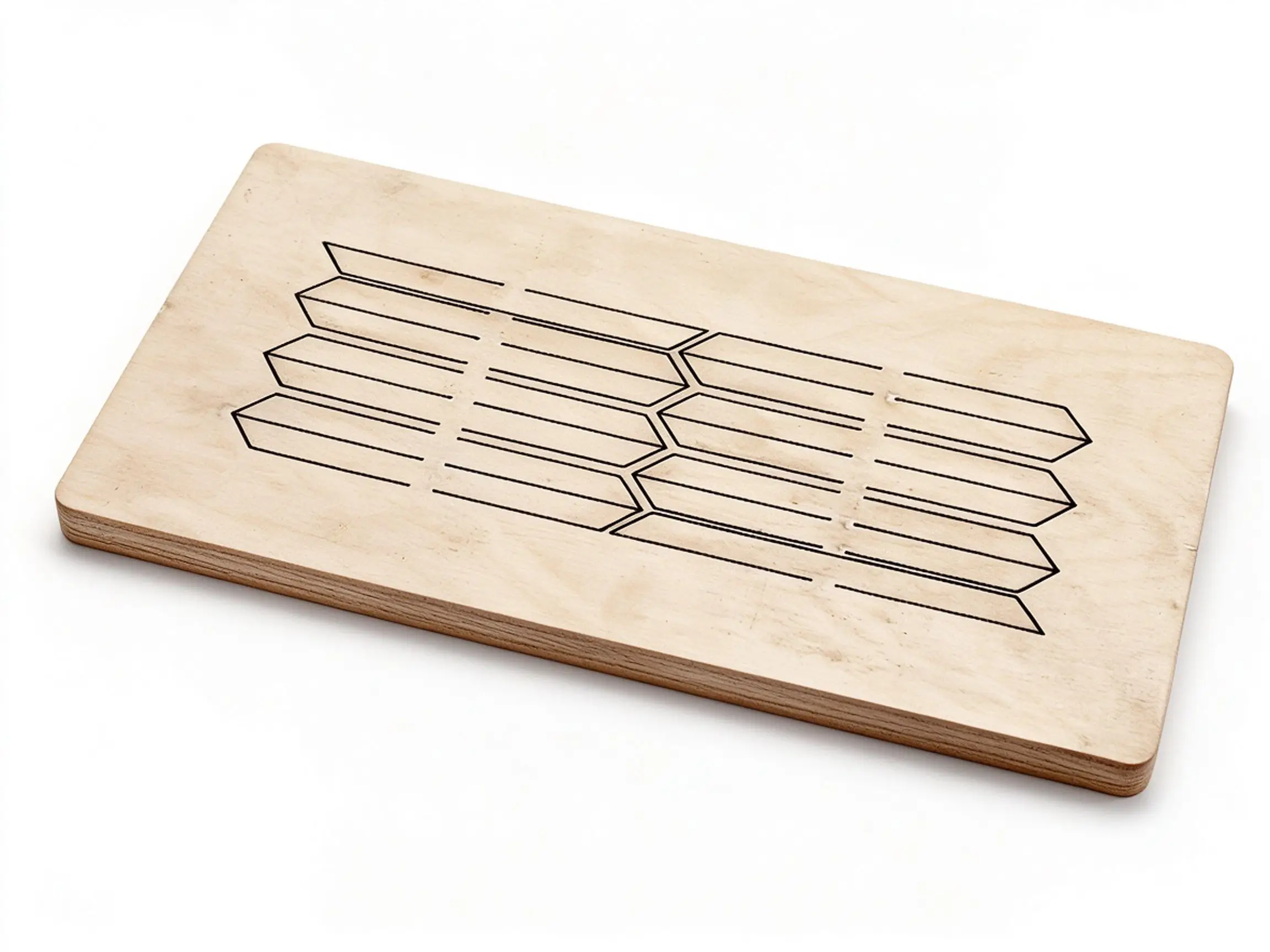
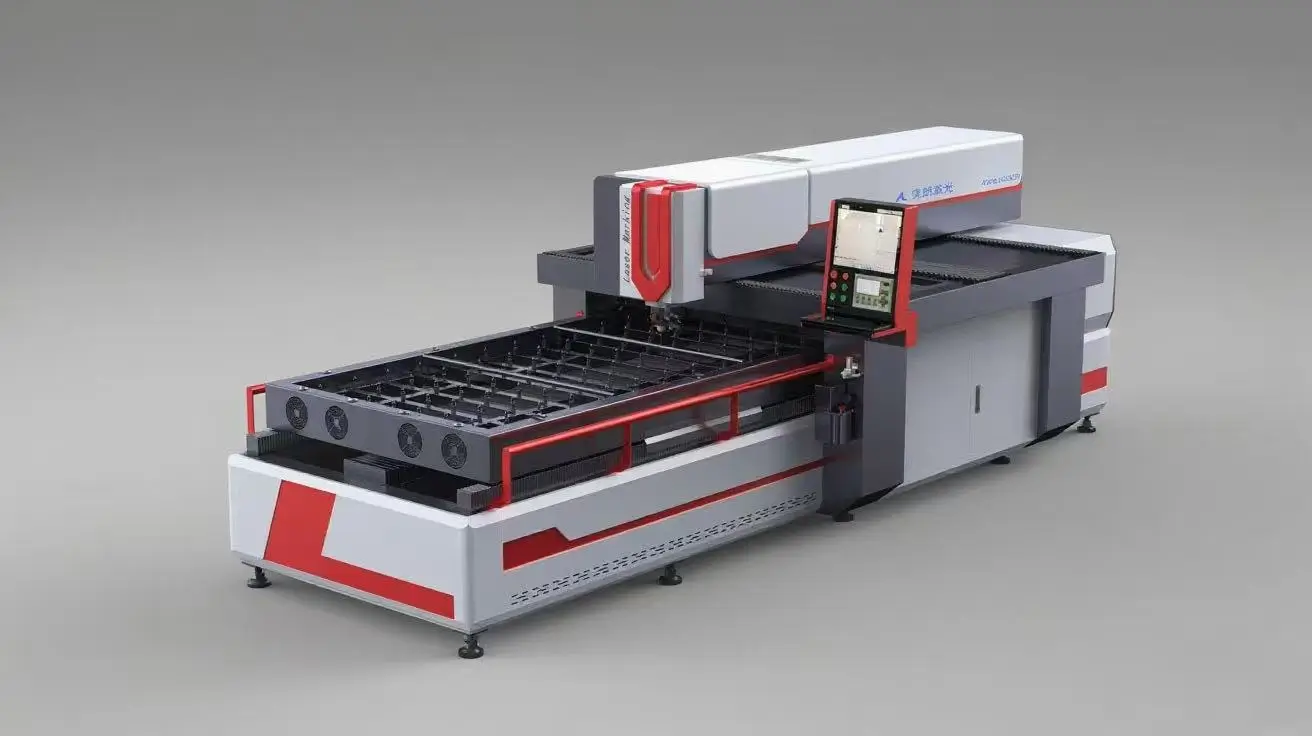
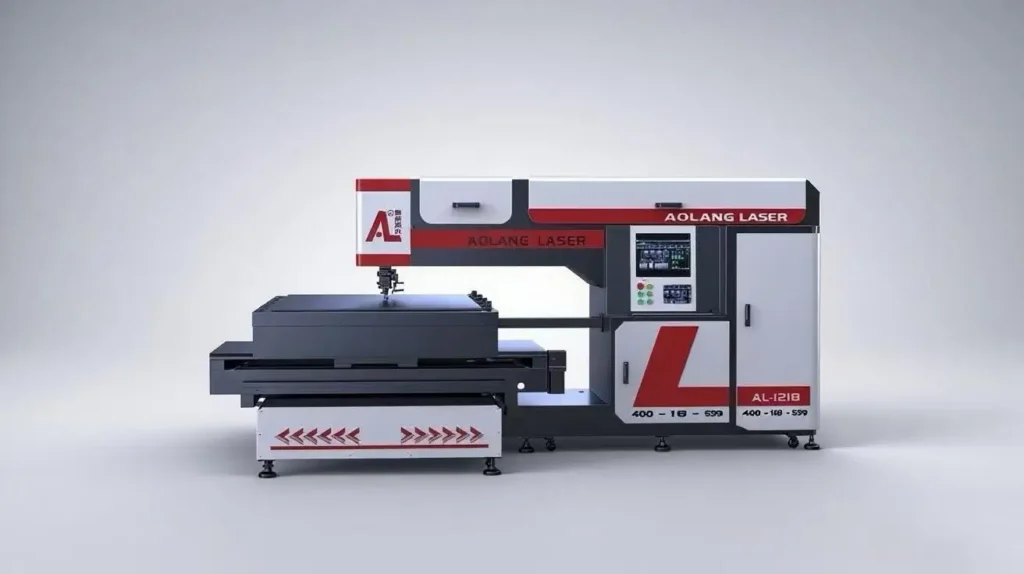
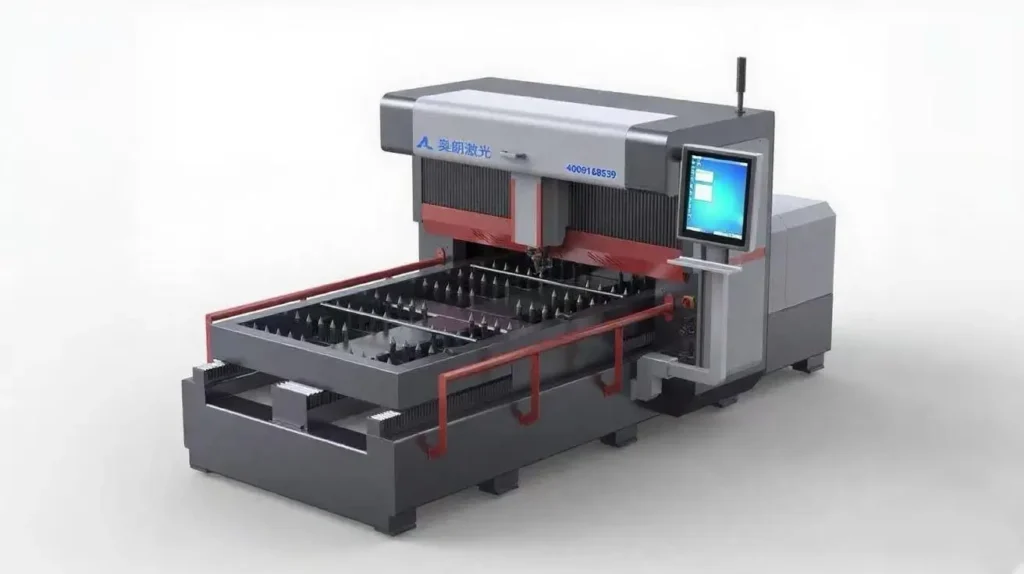
เครื่องตัดด้วยเลเซอร์เป็นอุปกรณ์ผลิตแม่พิมพ์ที่มีความแม่นยำสูง ซึ่งใช้ลำแสงเลเซอร์ในการแปรรูปแผ่นไม้สำหรับทำแม่พิมพ์.

ในสมัยแรกๆ แบบถูกวาดลงบนแผ่นแม่พิมพ์ด้วยดินสอหรือปากกาลูกลื่น แล้วตัดด้วยมือโดยใช้เครื่องตัดจิ๊กซอว์ อย่างไรก็ตาม เมื่อความต้องการของตลาดต่อแผ่นแม่พิมพ์เพิ่มขึ้นอย่างรวดเร็ว และความแม่นยำที่สูงขึ้นกลายเป็นสิ่งจำเป็น วิธีตัดแบบดั้งเดิมนี้จึงไม่สามารถตอบสนองความต้องการของอุตสาหกรรมได้อีกต่อไป.

ในช่วงเวลานี้ เครื่องตัดเลเซอร์ได้ถูกนำเข้ามาใช้ในอุตสาหกรรมการผลิตแม่พิมพ์ ทำให้ผู้ผลิตแม่พิมพ์จำนวนมากเรียกอุปกรณ์นี้ว่า เครื่องตัดด้วยเลเซอร์.

ทำไมจึงควรใช้เครื่องตัดด้วยเลเซอร์?

การออกแบบบอร์ด Easy Die

แผ่นแม่พิมพ์ถูกออกแบบโดยตรงบนคอมพิวเตอร์ — ไม่จำเป็นต้องวาดด้วยมือ.

ความแม่นยำสูง

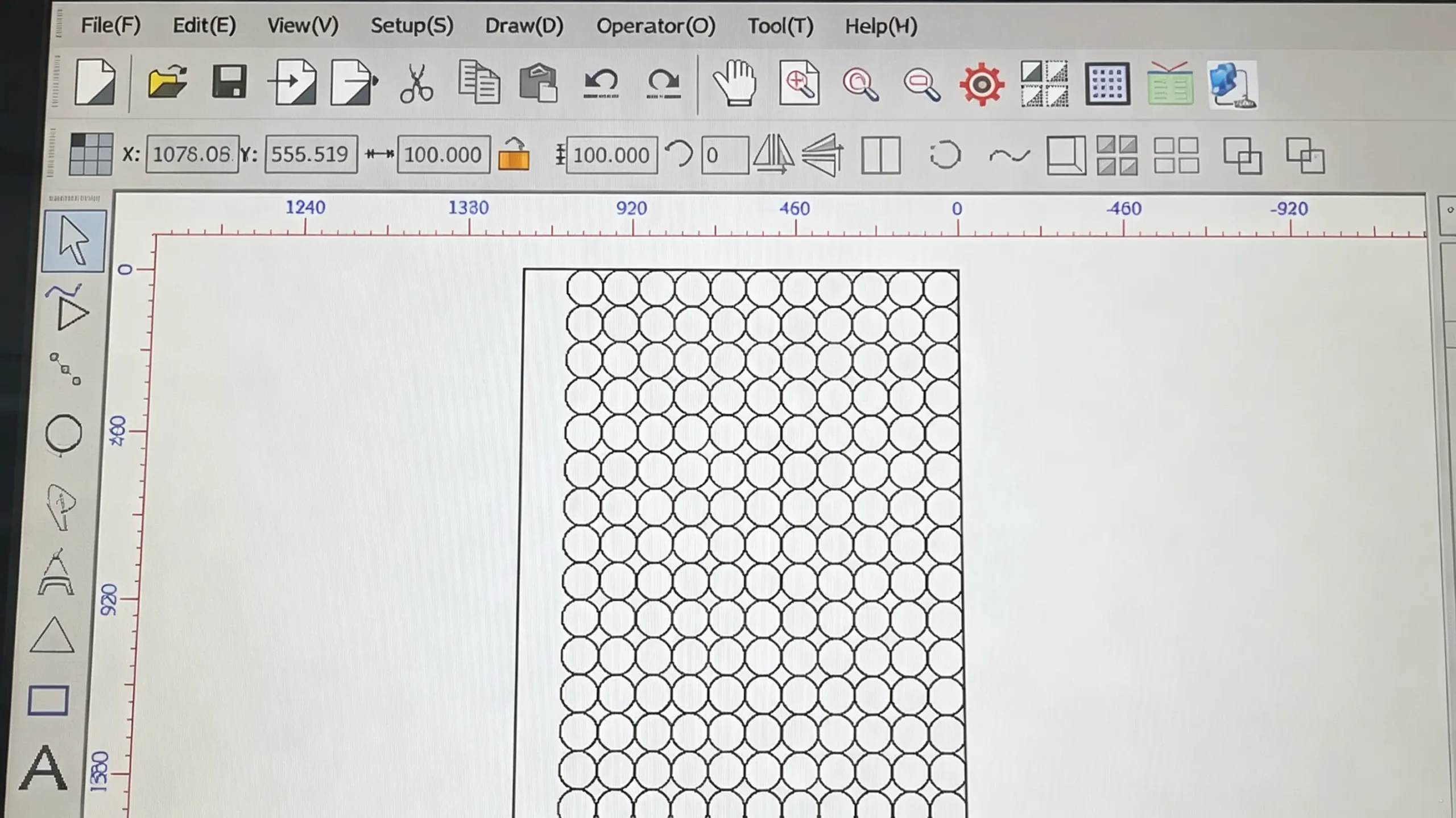
การออกแบบถูกสร้างขึ้นใน AutoCAD หรือ CorelDRAW และบันทึกไว้ในรูปแบบ DXF หรือ PLT หลังจากนำไฟล์เข้าสู่ซอฟต์แวร์ตัดเลเซอร์ Aolang และตั้งค่าพารามิเตอร์แล้ว เครื่องจะทำงานอัตโนมัติ กระบวนการตัดทั้งหมดถูกควบคุมอย่างแม่นยำโดยระบบโดยไม่จำเป็นต้องมีการแทรกแซงด้วยมือ ดังนั้นความแม่นยำในการตัดจึงสามารถถึง ±0.05 มม..

high precision

ประสิทธิภาพสูง

The machine processes the entire board at one time and can operate continuously for 24 hours, which significantly improves production efficiency for die-making factories and helps increase overall economic benefits.

high efficiency

ตัวอย่างการตัดด้วยเลเซอร์

Different Types of Laser Die Cutting Machine

gantry type laser die cutting machine

Gantry Type Laser Die Cutting Machine

Model: AL-GT600-1325

Laser Path: constant optical path

Power Option: 400W, 600W, 800W

พื้นที่ตัด: 1300 มม. × 2500 มม.

cross table laser die cutting machine

Cross Table Laser Die Cutting Machine

Model: AL-CT600-1325

Laser Path: fixed optical path

Power Option: 400W, 600W, 800W

Cutting Area: 1200mm*1800mm

high power laser die cutting machine

High Power Laser Die Cutting Machine

Model: AL-GT1500-1325

เส้นทางเลเซอร์: เส้นทางแสงที่เคลื่อนที่

Power Option: 1500W, 2000W, 2500W

พื้นที่ตัด: 1300 มม. × 2500 มม.

pvc laser die cutting machine

PVC Laser Die Cutting Machine

Model: AL-ST150-0906

เส้นทางเลเซอร์: เส้นทางแสงที่เคลื่อนที่

ตัวเลือกกำลังไฟฟ้า: 150W, 300W

Cutting Area: 900mm*600mm

วิธีใช้งานเครื่องตัดด้วยเลเซอร์แบบไดคัท?

1.Turn on the air compressor and dryer.

turn on the air compressor and dryer 

2.Turn on the water chiller.

turn on the water chiller

3. Press three buttons below.

press three buttons below

4. Click Aolang laser cutting software and import your design.

import the design

5. Modify parameters like cutting sequence and knife seam.

modify parameters

6. Press the ”Laser” button, and the machine starts cutting.

press the laser button

วิธีดูแลรักษาเครื่องตัดด้วยเลเซอร์แบบไดคัท?

1. Replacement Cycle

  • Replace purified water every 30 days.

2. Regular Cleaning

  • Dismantle the surrounding coverof the chiller every 15 days, and blow off internal dust with an air gun to maintain optimal cleanliness and ventilation.

3. Control of Ambient & Water Temperature

  • When ambient temperature ≥ 1°C, use purified water as cooling medium to guarantee stable heat dissipation performance.
  • When ambient temperature ≤ 0°C, replace purified water with CHIEF-25°C automotive windshield washer fluid. Filling volume per machine: 20L ~ 25L. Set water temperature to 10°C while keeping temperature difference at 5°C.
water chiller maintenance

1. Focus Lens

  • Clean once before daily startup and once after lunch break every day.
  • Dip a cotton swab in industrial alcohol to wipe the lens gently to avoid scratching the mirror surface.

2. Reflective Mirror

  • Clean every 2 days to ensure clear and stable optical path transmission.

3. Laser Tube Output Mirror

  • Clean every 2 to 3 days (twice weekly approximately).
  • Inspect lens condition with a flashlight before cleaning.
  • Allow 3 to 5 minutes of volatilization after cleaning before restarting the machine, to prevent the output mirrordamage caused by residual alcohol.
  • Blow away dust with an air gun every 7 days to maintain efficient heat dissipation and prevent damage to the laser tube output lens caused by overheating.

4. Laser Copper Nozzle

  • Remove the copper nozzle upon daily work completion.
  • Soak the nozzle in clean water overnight.
  • Blow dry thoroughly with an air gun and reinstall before work the next morning.
optical system maintenance

1. Laser Power Supply

  • The laser power supplies aremounted beside the laser tube.
  • Blow dust off the power supplieswith an air gun every 15 days to avoid resistor burnout from overheating (burned resistors are non-repairable).

2. Drivers

  • Two drivers are installed inside the electrical cabinet under the operation console, accessible by opening the left side cover.
electrical system maintenance

Every 3 months following steps below:

  1. Press the Maintenancebutton on the operation panel.
  2. The automatic oil pot starts lubrication with a preset runtime of 60 seconds.
  3. Turn off the Maintenance button once the cycle finishes.

Regular lubrication effectively reduces mechanical abrasion and extends the service life of guide rails and ball screws.

lubrication maintenance
  • Keep the equipment and working area dust-free and tidy.
  • Daily cleaning is recommended if conditions permit. If not feasible, blow dust off the work platform with an air gun and wipe debris with a clean rag every 3 to 7 days.
workshop environment maintenance

ปรับแต่งเครื่องตัดด้วยเลเซอร์ตามความต้องการของคุณ