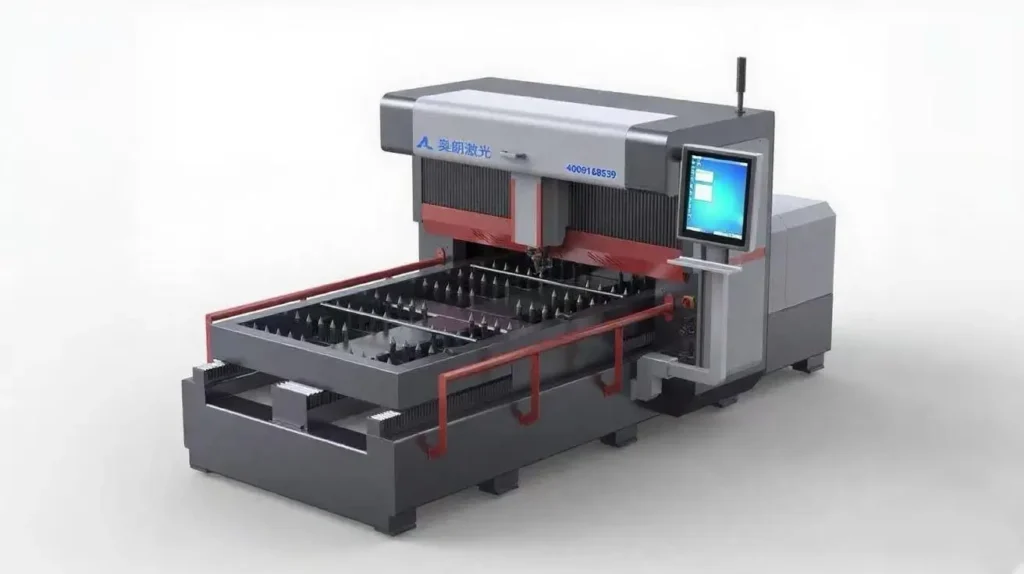
Laserskæremaskine

Hvad er en laserskæremaskine?

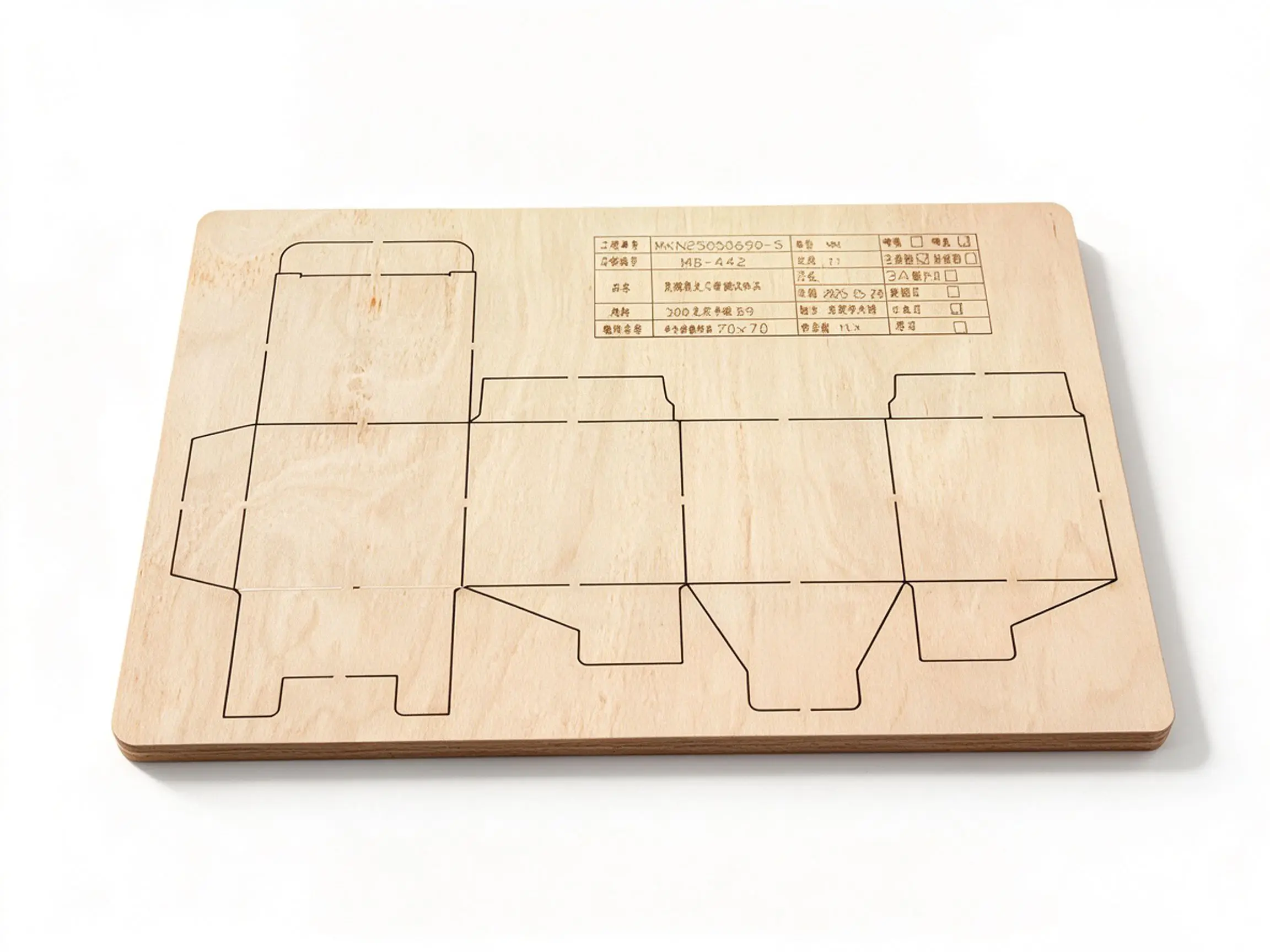
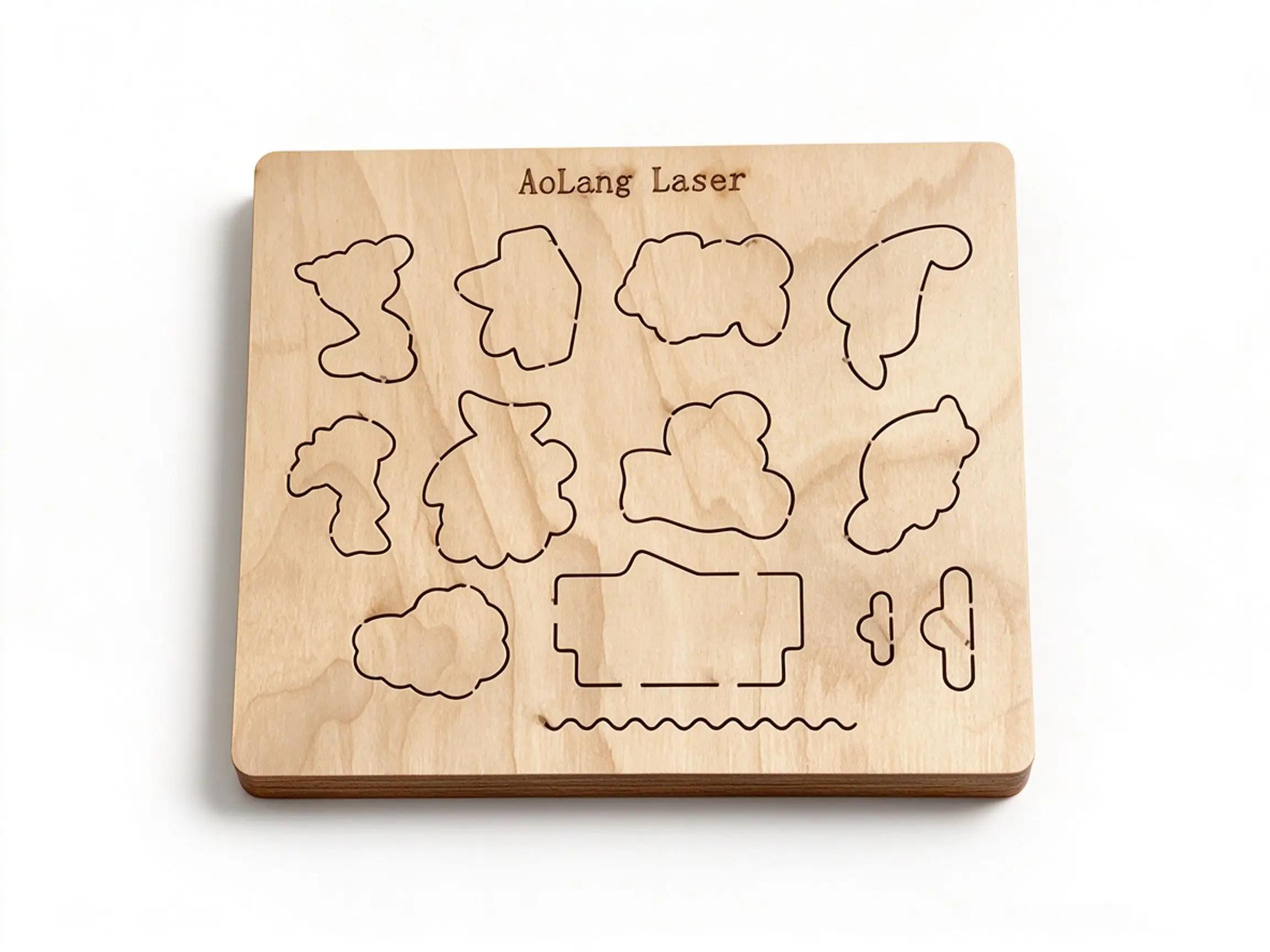
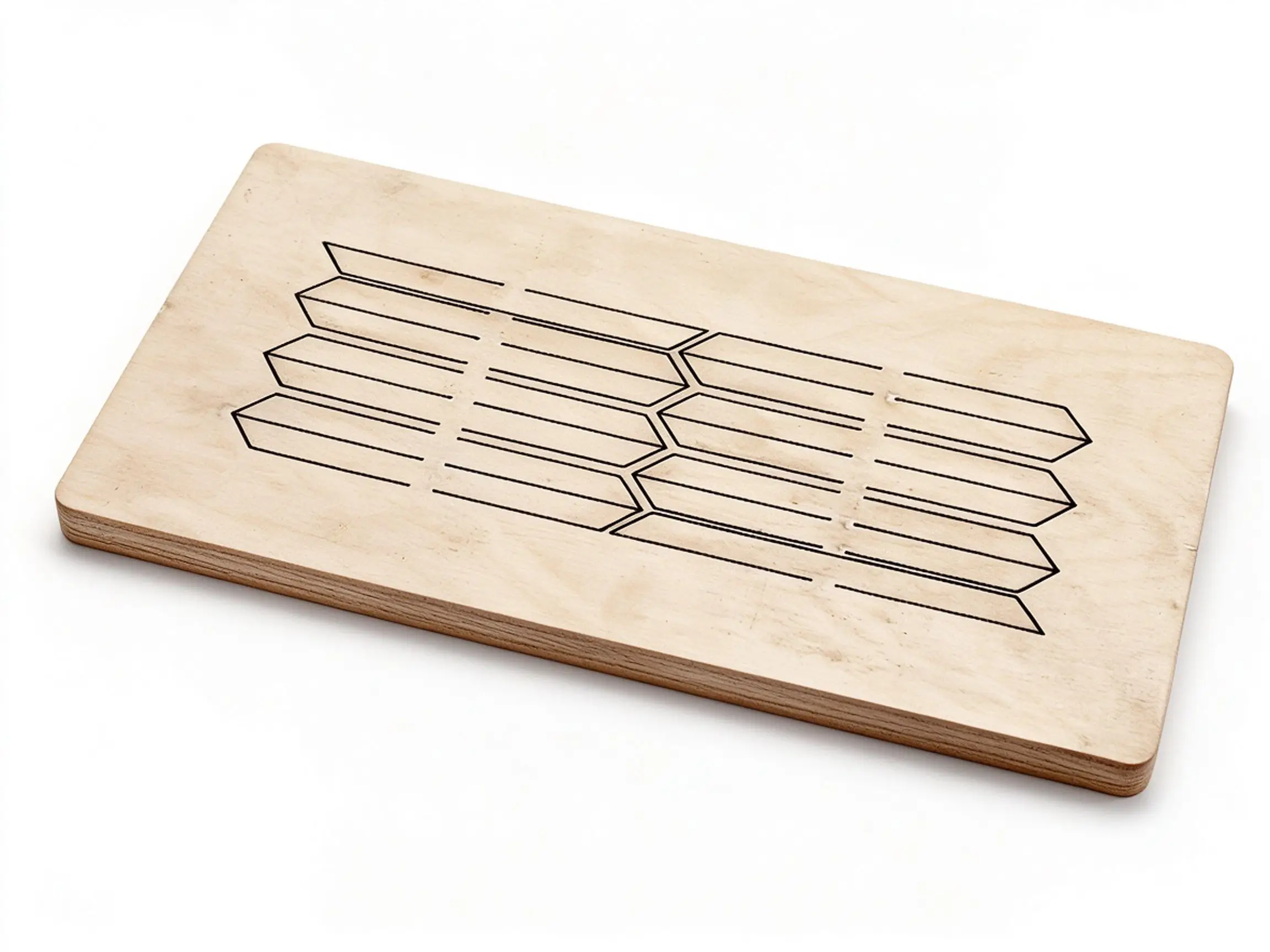
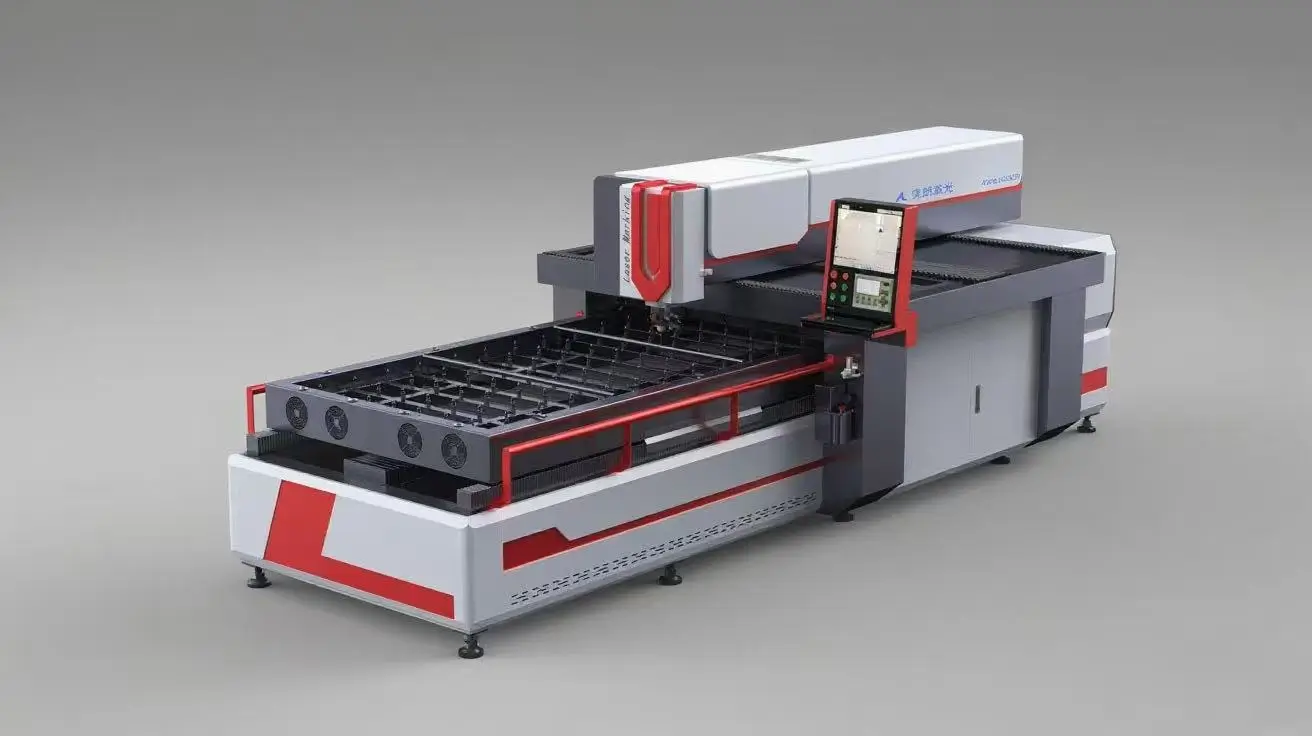
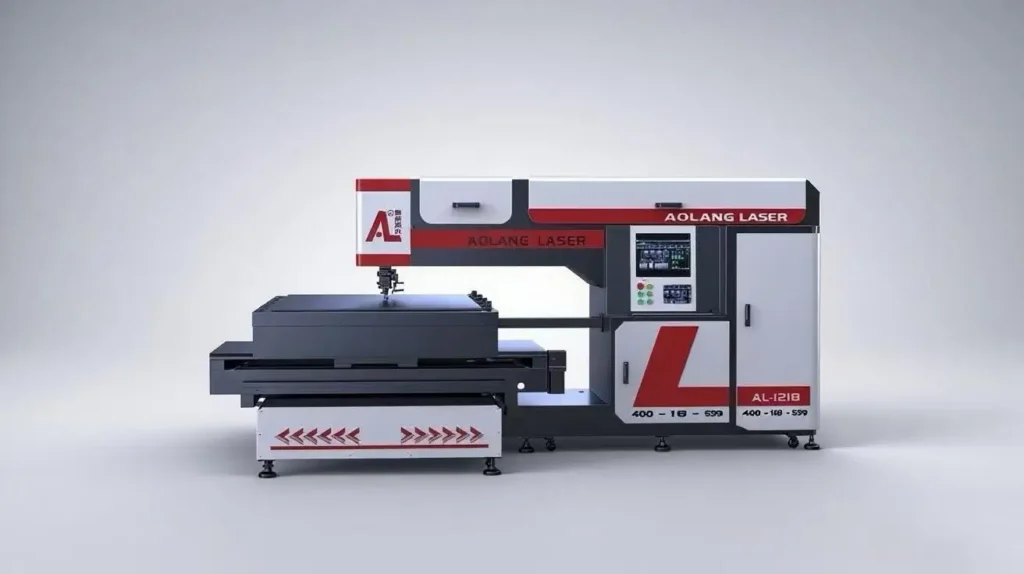
En laserudstansningsmaskine er et højpræcisionsudstyr til fremstilling af udstansningsforme, der anvender en laserstråle til at bearbejde udstansningsplader af træ.

I begyndelsen blev mønstrene tegnet på stansplader med blyant eller kuglepen og derefter skåret ud manuelt med en stiksav. Da efterspørgslen på stansplader imidlertid steg hurtigt, og der blev stillet krav om større præcision, kunne denne traditionelle skæremetode ikke længere opfylde branchens krav.

At this time, laser cutting machines were introduced into the die-making industry. So many die makers called this equipment as the Laserskæremaskine.

Hvorfor bruge en laserskæremaskine?

Enkelt design af stansemaler

Printpladerne designes direkte på computeren – der er ikke behov for manuel tegning.

Høj præcision

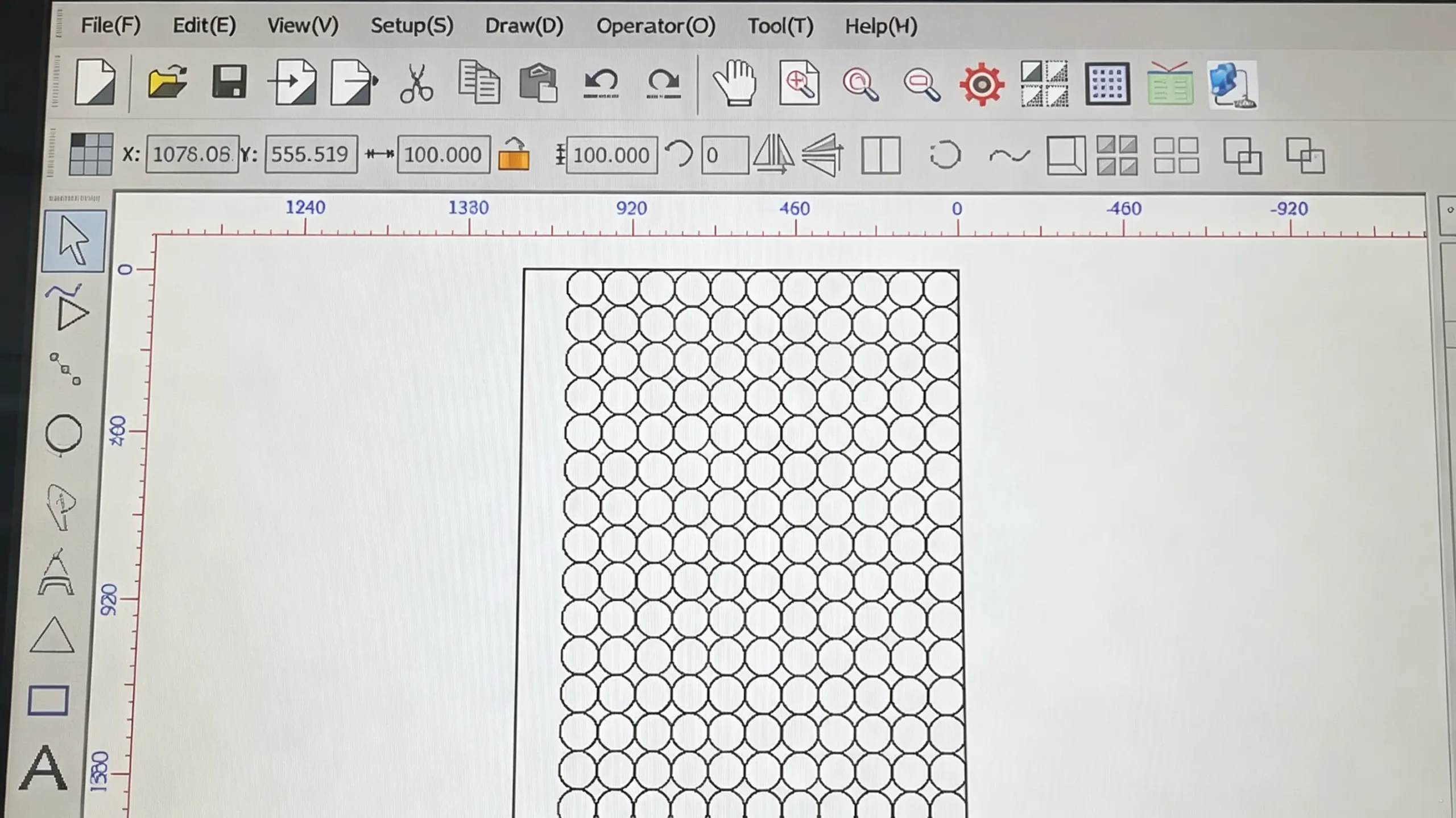
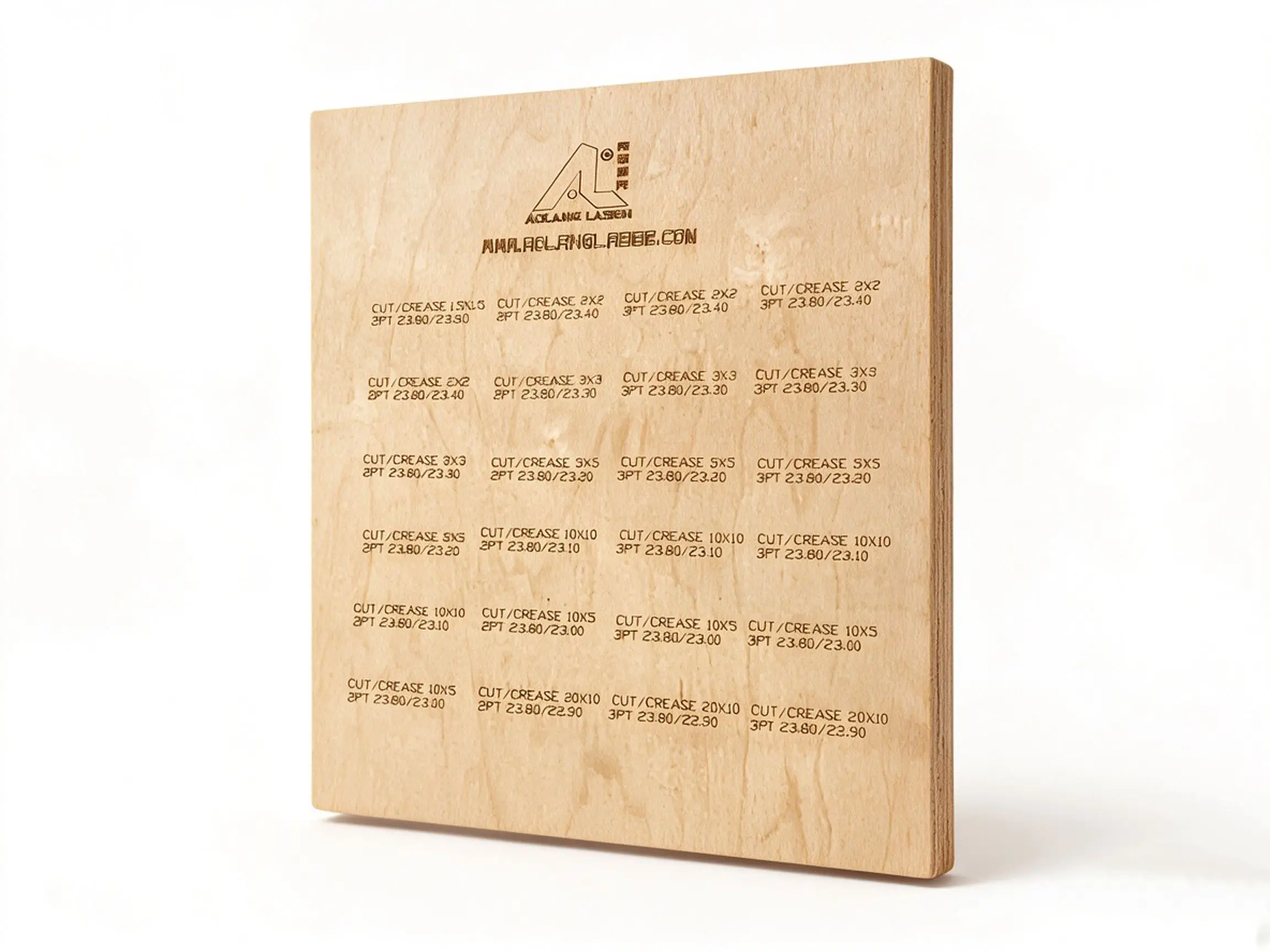
The design is created in AutoCAD or CorelDRAW and saved in DXF or PLT format. After importing the file into Aolang Laser cutting software and setting the parameters, the machine runs automatically. The entire cutting process is precisely controlled by the system without manual intervention, so cutting accuracy is able to reach ±0.05 mm.

high precision

Høj effektivitet

The machine processes the entire board at one time and can operate continuously for 24 hours, which significantly improves production efficiency for die-making factories and helps increase overall economic benefits.

high efficiency

Eksempler på laserskæring

Different Types of Laser Die Cutting Machine

gantry type laser die cutting machine

Laserskæremaskine af portaltypen

Model: AL-GT600-1325

Laser Path: constant optical path

Power Option: 400W, 600W, 800W

Skæreområde: 1300 mm × 2500 mm

cross table laser die cutting machine

Laserskæremaskine med krydsbord

Model: AL-CT600-1325

Laser Path: fixed optical path

Power Option: 400W, 600W, 800W

Cutting Area: 1200mm*1800mm

high power laser die cutting machine

Laserskæremaskine med høj effekt

Model: AL-GT1500-1325

Laserbanen: den flyvende optiske bane

Power Option: 1500W, 2000W, 2500W

Skæreområde: 1300 mm × 2500 mm

pvc laser die cutting machine

PVC-laserskæremaskine

Model: AL-ST150-0906

Laserbanen: den flyvende optiske bane

Power Option: 150W, 300W

Cutting Area: 900mm*600mm

Hvordan betjenes en laserudstansningsmaskine?

1.Turn on the air compressor and dryer.

turn on the air compressor and dryer 

2.Turn on the water chiller.

turn on the water chiller

3. Press three buttons below.

press three buttons below

4. Click Aolang laser cutting software and import your design.

import the design

5. Modify parameters like cutting sequence and knife seam.

modify parameters

6. Press the ”Laser” button, and the machine starts cutting.

press the laser button

Hvordan vedligeholdes en laserudstansningsmaskine?

1. Replacement Cycle

  • Replace purified water every 30 days.

2. Regular Cleaning

  • Dismantle the surrounding coverof the chiller every 15 days, and blow off internal dust with an air gun to maintain optimal cleanliness and ventilation.

3. Control of Ambient & Water Temperature

  • When ambient temperature ≥ 1°C, use purified water as cooling medium to guarantee stable heat dissipation performance.
  • When ambient temperature ≤ 0°C, replace purified water with CHIEF-25°C automotive windshield washer fluid. Filling volume per machine: 20L ~ 25L. Set water temperature to 10°C while keeping temperature difference at 5°C.
water chiller maintenance

1. Focus Lens

  • Clean once before daily startup and once after lunch break every day.
  • Dip a cotton swab in industrial alcohol to wipe the lens gently to avoid scratching the mirror surface.

2. Reflective Mirror

  • Clean every 2 days to ensure clear and stable optical path transmission.

3. Laser Tube Output Mirror

  • Clean every 2 to 3 days (twice weekly approximately).
  • Inspect lens condition with a flashlight before cleaning.
  • Allow 3 to 5 minutes of volatilization after cleaning before restarting the machine, to prevent the output mirrordamage caused by residual alcohol.
  • Blow away dust with an air gun every 7 days to maintain efficient heat dissipation and prevent damage to the laser tube output lens caused by overheating.

4. Laser Copper Nozzle

  • Remove the copper nozzle upon daily work completion.
  • Soak the nozzle in clean water overnight.
  • Blow dry thoroughly with an air gun and reinstall before work the next morning.
optical system maintenance

1. Laser Power Supply

  • The laser power supplies aremounted beside the laser tube.
  • Blow dust off the power supplieswith an air gun every 15 days to avoid resistor burnout from overheating (burned resistors are non-repairable).

2. Drivers

  • Two drivers are installed inside the electrical cabinet under the operation console, accessible by opening the left side cover.
electrical system maintenance

Every 3 months following steps below:

  1. Press the Maintenancebutton on the operation panel.
  2. The automatic oil pot starts lubrication with a preset runtime of 60 seconds.
  3. Turn off the Maintenance button once the cycle finishes.

Regular lubrication effectively reduces mechanical abrasion and extends the service life of guide rails and ball screws.

lubrication maintenance
  • Keep the equipment and working area dust-free and tidy.
  • Daily cleaning is recommended if conditions permit. If not feasible, blow dust off the work platform with an air gun and wipe debris with a clean rag every 3 to 7 days.
workshop environment maintenance

Tilpas din laserskæremaskine